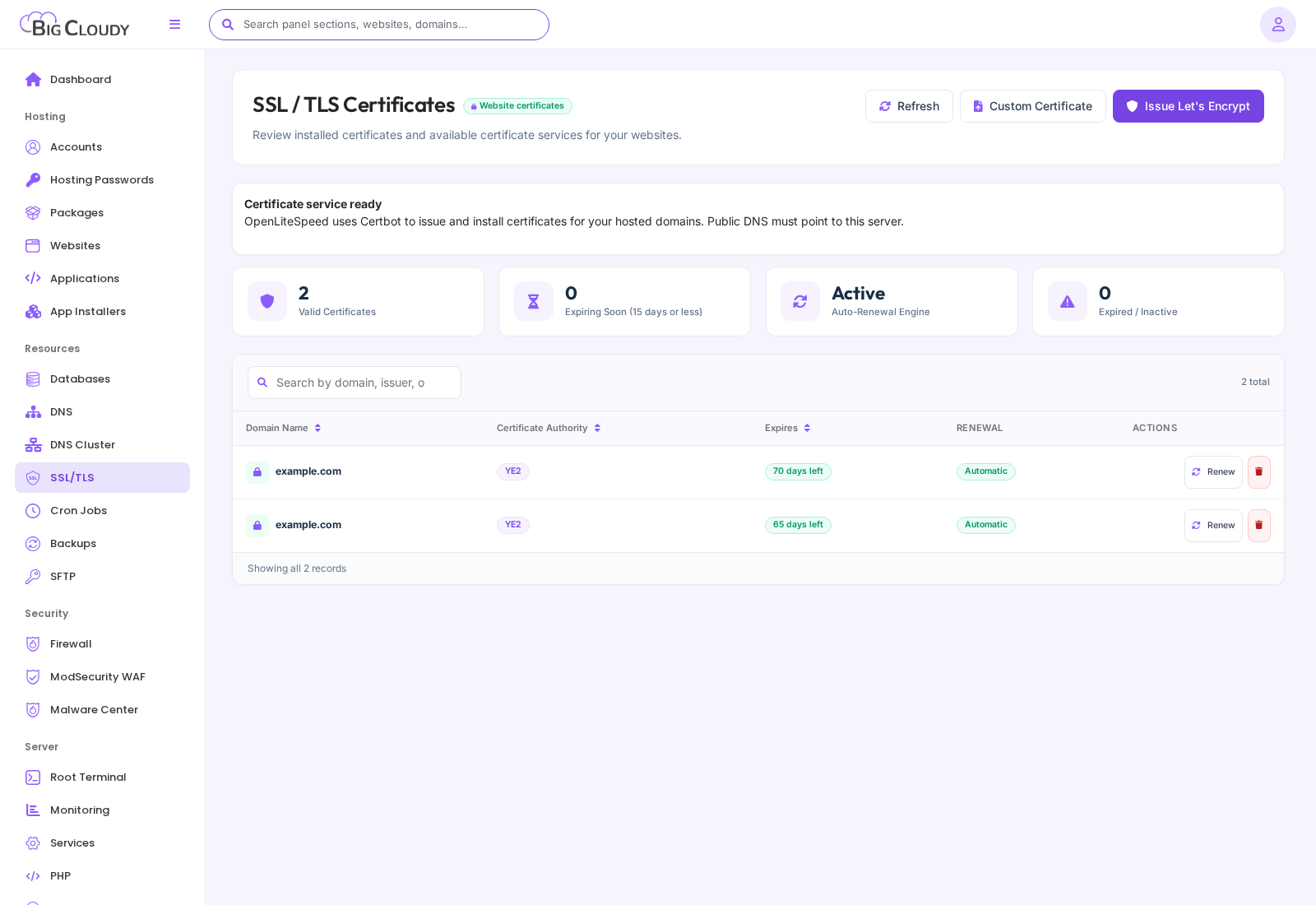
Can I try the panel without signing in?
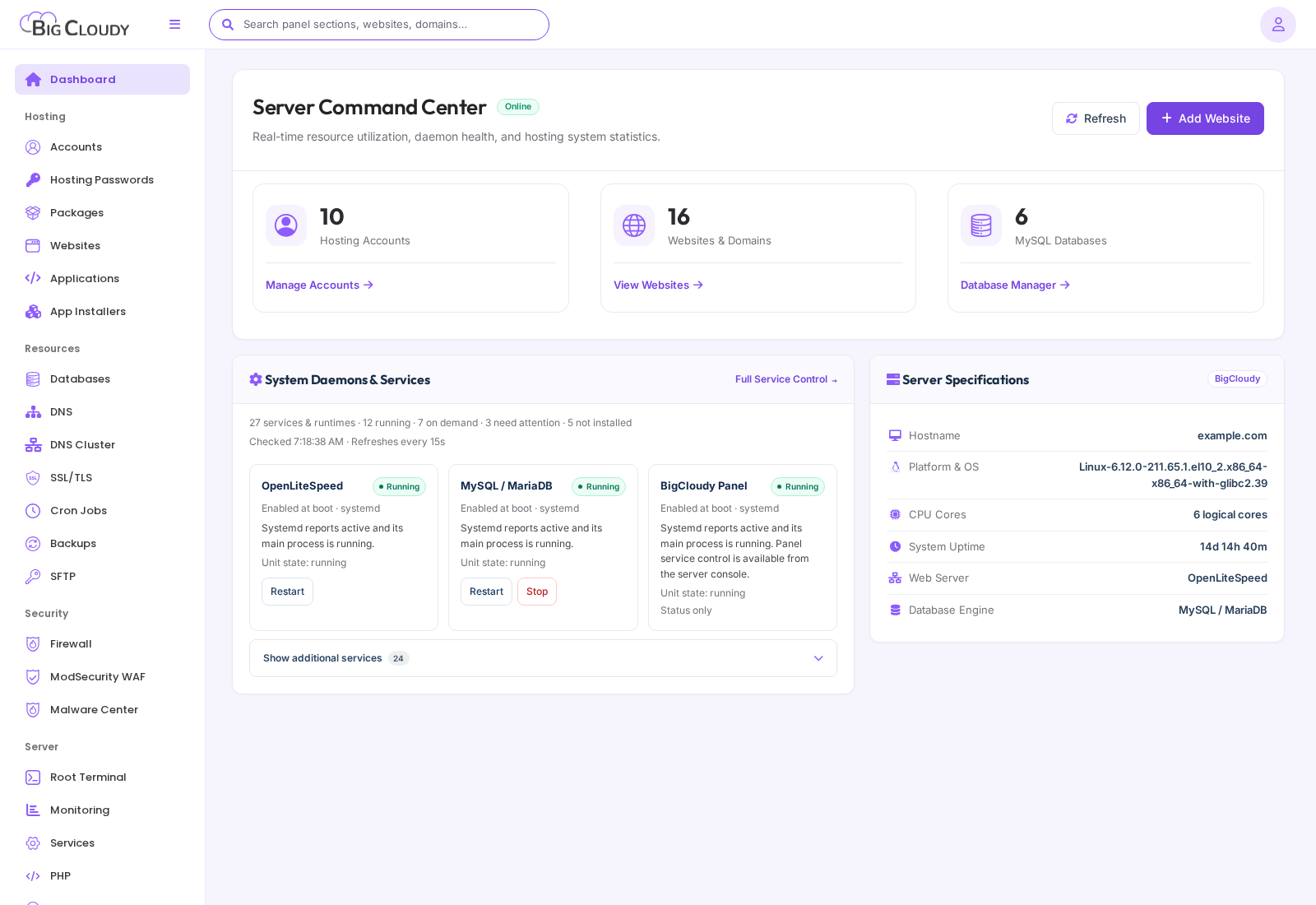
Yes. Open either demo profile to explore the actual BigCloudy frontend with fictional account data. No registration or password is required.
Will demo actions change a real server?
No. Resource changes and terminal commands are simulated. The demo runs with sample data in your browser; refresh or use Reset to restore the starting state.
What is the difference between the two areas?
The administrator area covers server-wide tools and hosting accounts. The user area focuses on the websites, files, email, databases, and resources belonging to a hosting account.
Can I open a specific sample user?
Yes. In the administrator demo, open Accounts and select Login beside one of the five included sample accounts. Its user demo opens in a separate tab.
Where can I learn how each feature works?
The BigCloudy knowledge base contains guides for the current administrator and hosting-user panels. Features available on a live server depend on its configuration and the hosting package.

 Websites
 Email & DNS
 Databases
 SSL & Security
 Files & Backups


 SERVER ADMINISTRATION